

Inbox
The Inbox is where you’ll spend most of your day. Every message from every channel lands here in one unified view, so nothing slips through the cracks. Open any conversation to read the history, reply yourself, or take over from the AI.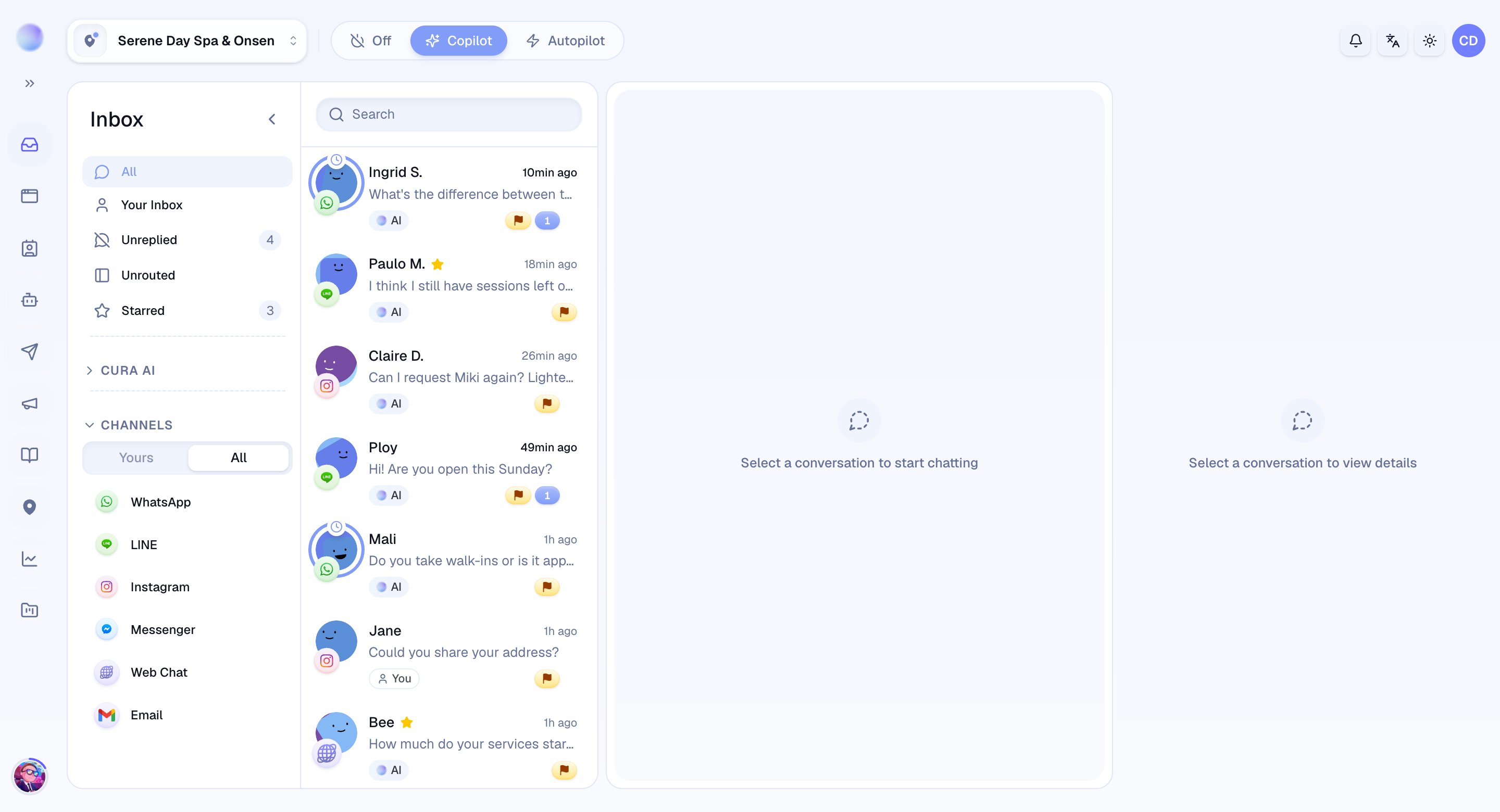
Bookings
The Bookings area shows the appointments your AI and team have made. It’s where you confirm, reschedule, and keep track of who’s coming in.Contacts
Contacts is your CRM — a living record of every customer. Each contact gathers their conversations, bookings, and details in one place, so you always have the full picture.AI Agent
The AI area is the brain of Cura. This is where you teach your AI about your business — your Knowledge Base, FAQs, and Services — set its tone, and decide when it should hand a conversation to a human. (Admins only.)Workflows
Workflows are your automations: a trigger followed by actions, like sending an appointment reminder or following up with a customer who went quiet. (Admins only.)Teams
The Teams area is where you organize the people who work alongside your AI and route conversations to the right group. (Admins only.)Reports
Reports show how things are going — conversation volume, response times, and the outcomes that matter to your business. (Managers and admins.)Integrations
Integrations is where you connect your messaging channels — LINE, WhatsApp, Instagram, Messenger, Telegram, and a website widget. Connecting a channel lets Cura send and receive messages there. (Admins only.)Settings
Settings holds the configuration that keeps everything running:- Organization — your top-level company account: its name, description, default language, and escalation contact.
- Workspaces — each business or location, with its name, location, timezone, and members.
To invite teammates or change someone’s role, open the profile menu (your avatar, top-right) and choose Manage organization. Member management lives there, not in Settings → Organization. See Inviting your team.