

A workflow is a ready-made automation you enable
Each workflow starts as a template that Cura’s team has designed and tested — a trigger paired with a sequence of actions. Your job isn’t to build it; it’s to enable the ones you want and fill in a few details, like the message wording or how long to wait. The recipe is already proven, so you get a working automation in minutes. You browse these templates in the workflow gallery, grouped by what they help you do: Engage customers, Capture & qualify, and Organize conversations. Pick the goal you’re after, open a template, and switch it on.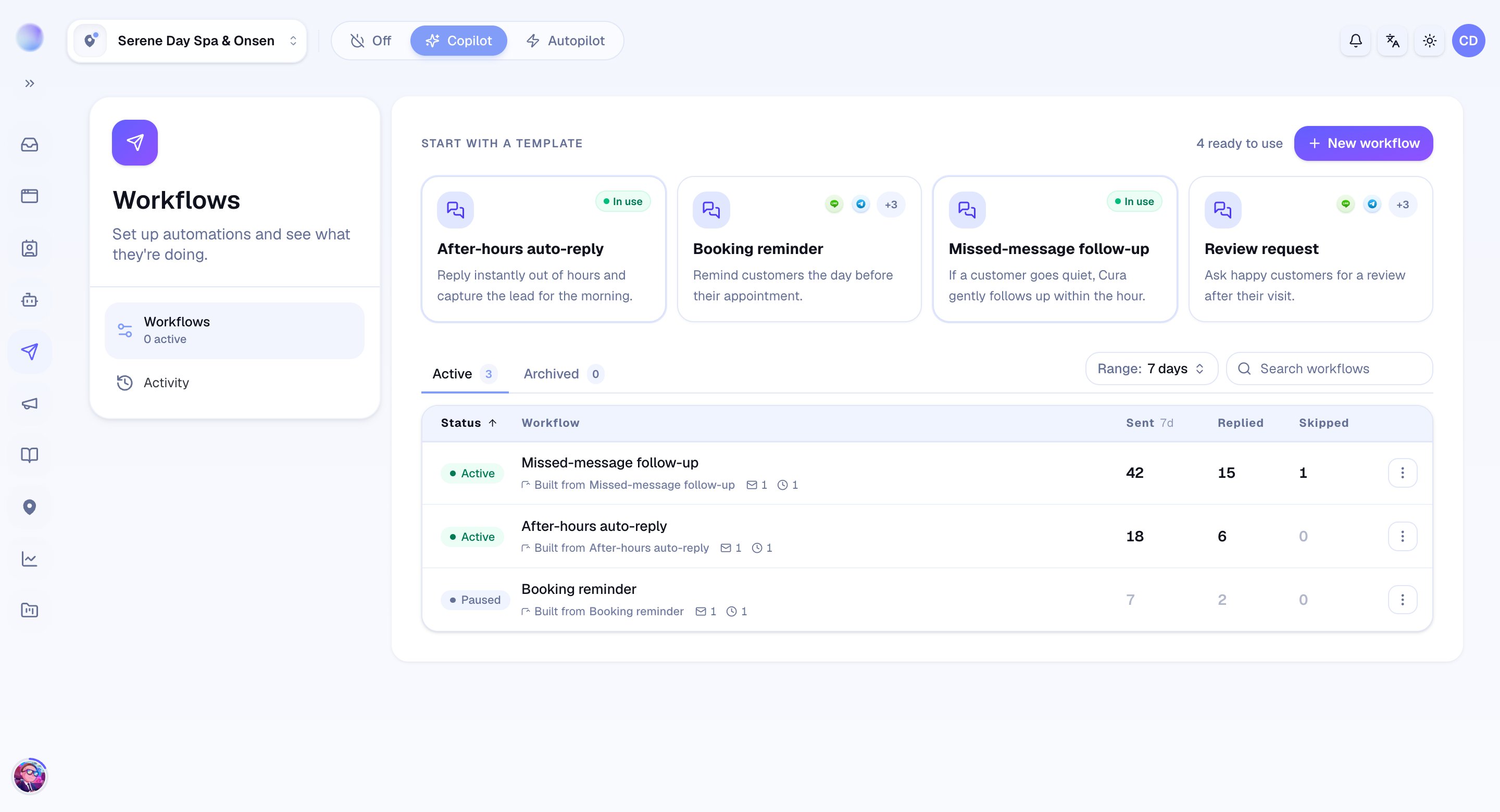
Triggers decide when it runs
Every workflow begins with a trigger — the event that wakes it up. A workflow might start when an appointment is booked, when one is cancelled or rescheduled, after a consultation completes, when a customer goes quiet, or after your last message goes out. One trigger, one starting point. (More on this in Choosing triggers and actions.)Actions decide what happens
Once triggered, the workflow runs through its actions in order — usually some combination of waiting and sending a message. A reminder workflow, for example, might wait until the day before an appointment, then send a friendly confirmation on the customer’s channel.It respects each channel’s rules
Cura sends through whichever channel the customer last used — LINE, WhatsApp, Instagram, Messenger, and more. Each platform has its own rules about messaging customers outside a recent conversation, and Cura follows them automatically. If a channel won’t allow a message at that moment, the run is safely stopped rather than risking your account.You stay in control
Workflows never replace you. You choose which ones are On, which channels they apply to, and exactly what they say. You can turn any workflow off at any time, and you can watch every run and its results from one place. And if a customer replies while a workflow is mid-run, Cura automatically stops it so the automation never talks over a live conversation.A workflow only ever acts inside conversations on the channels you’ve scoped it to. Nothing runs business-wide unless you choose that.